Macro & focus stacking · iPhone and iPad
Every drop
in focus.
Up close, only a thin slice of the subject is sharp. Sharp shoots or imports a focus series and merges it into one photo that is sharp from front to back, right on your iPhone or iPad.
Free to download. Sharp Pro from $3.99 a month, or $49.99 once.
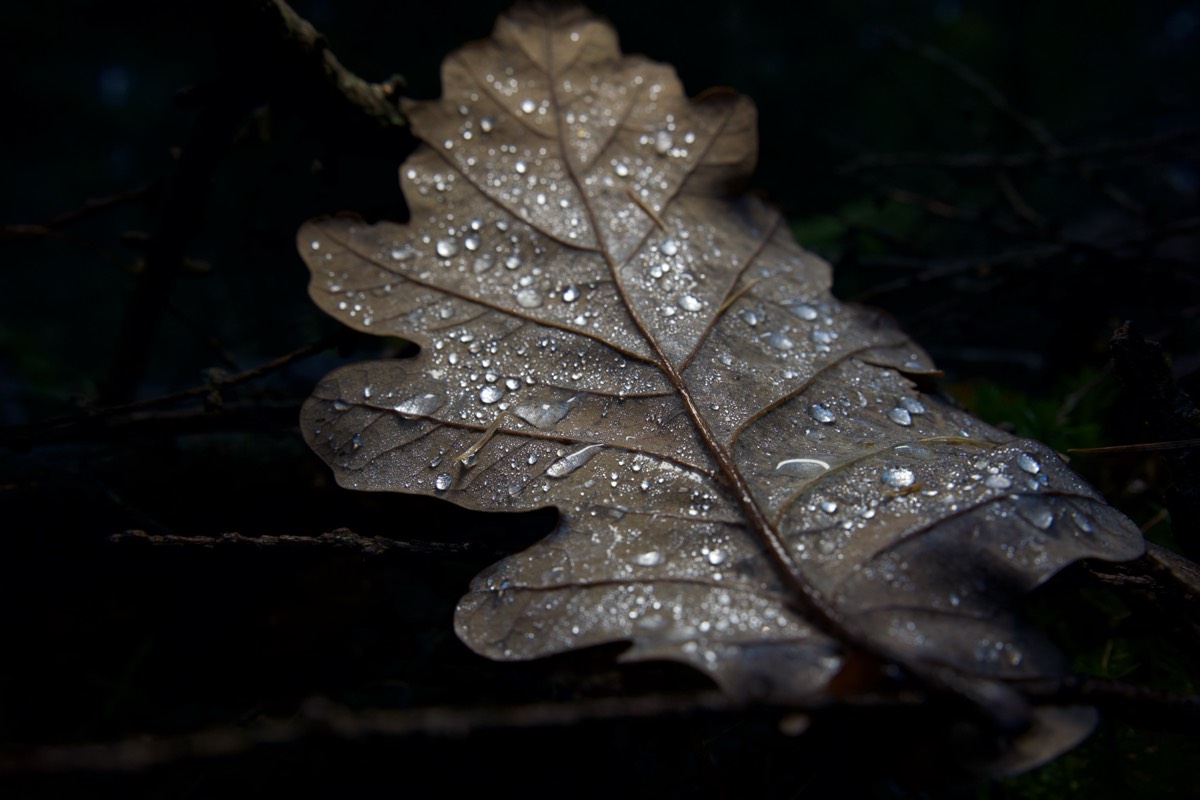
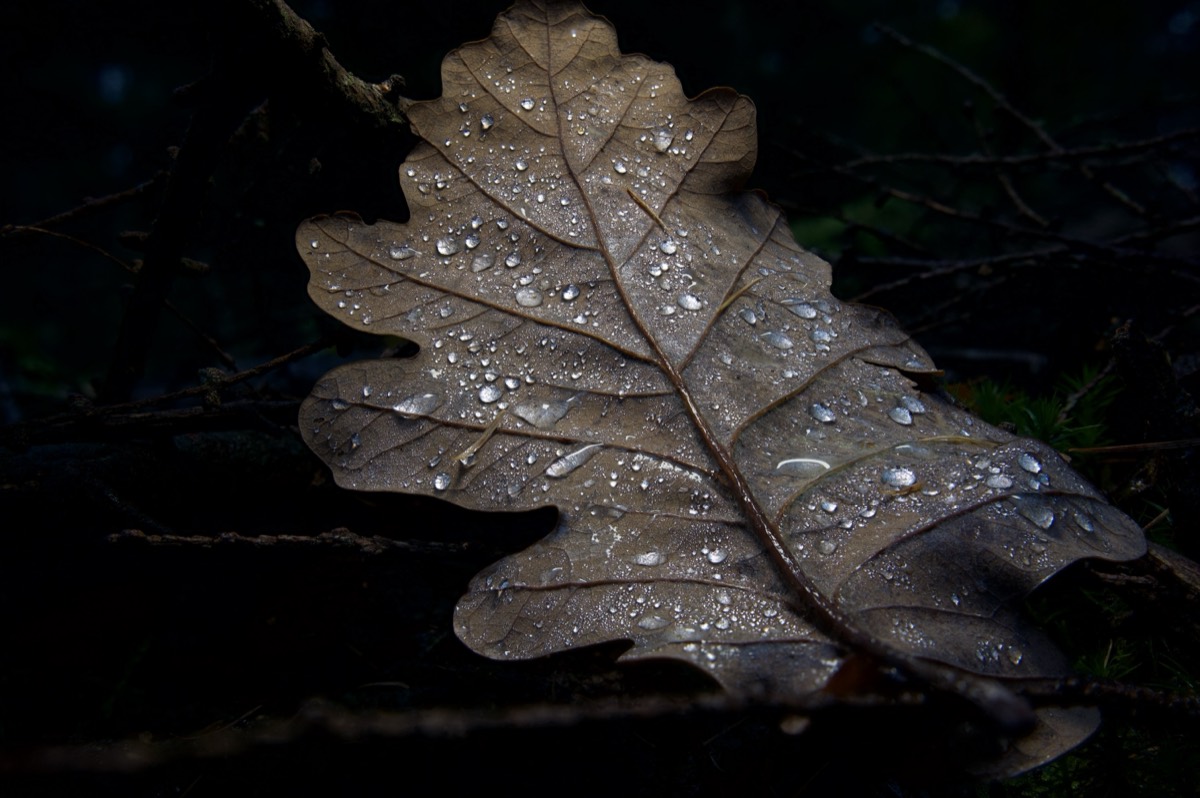
Try it: drag the focus ruler to step through the frames, move over the photo to aim the loupe, then stack.
What it does
From the first frame to a 16-bit file.
Shoot a focus series with the built-in camera or bring one from your mirrorless camera. Sharp aligns it, blends it and renders a single all-in-focus photo.
Capture
A focus bracketing camera
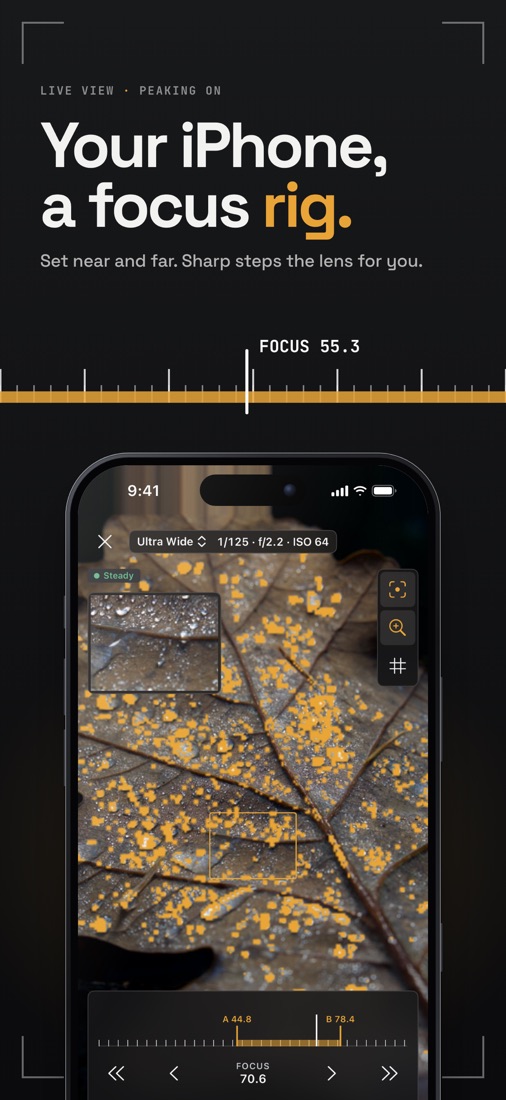
Set the near point A and the far point B. Sharp picks the closest-focusing lens, counts the frames and steps the focus for you.
Capture
Peaking, loupe and grid
See exactly what is sharp before you shoot. Sharp waits until the phone is steady before each frame. HEIF or Apple ProRAW.
Capture
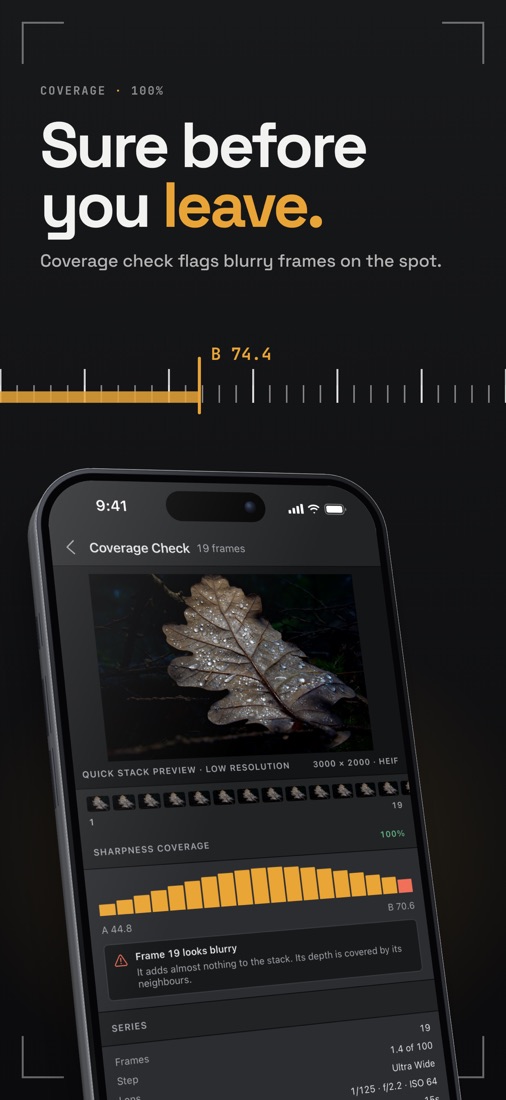
Coverage check
A chart of how sharp each frame is. Blurry frames and gaps are flagged while you are still at the scene.
Import
Bring your own series
JPEG, HEIF, PNG, TIFF and camera RAW from Photos or Files. Sharp splits a whole shoot into separate focus series.
Stack
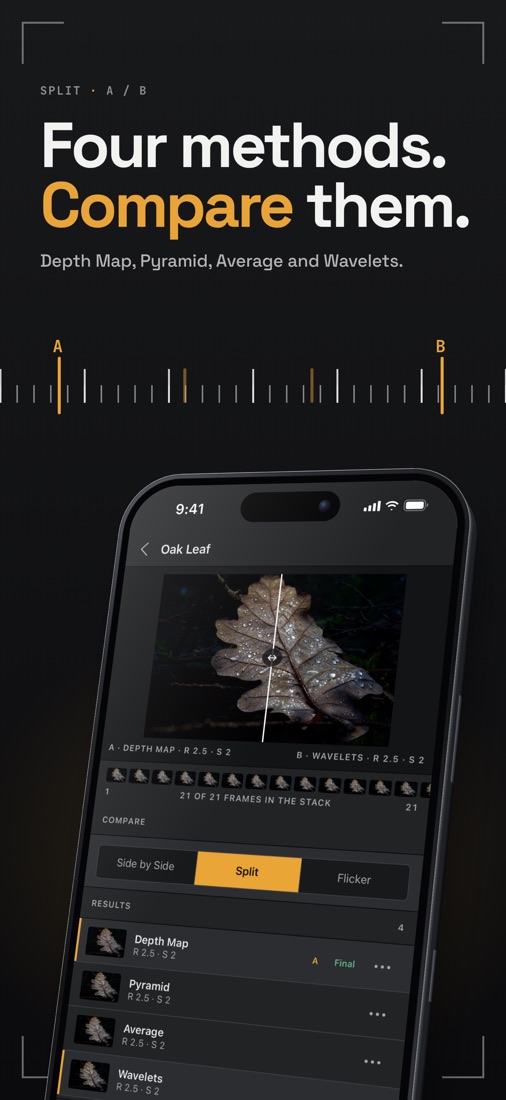
Four stacking methods
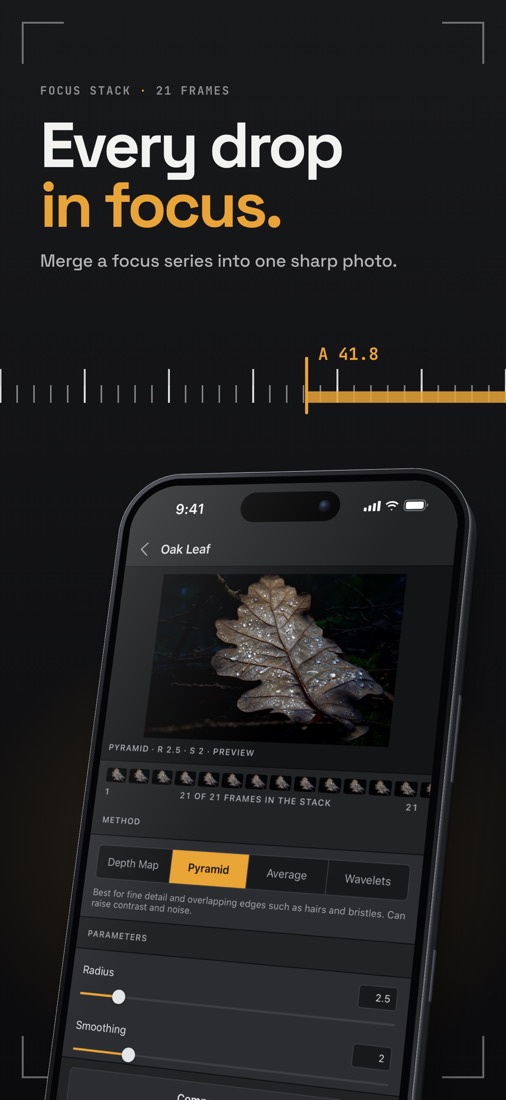
Depth Map, Pyramid, Average and Wavelets, with a live preview that grows frame by frame. Tripod or hand-held alignment.
Stack
Sharpness and depth maps
See which frame every detail came from. Full-resolution renders, even for large high-megapixel stacks.
Finish
Compare results
Put two methods side by side, drag a split slider or flicker between them, and keep the best one.
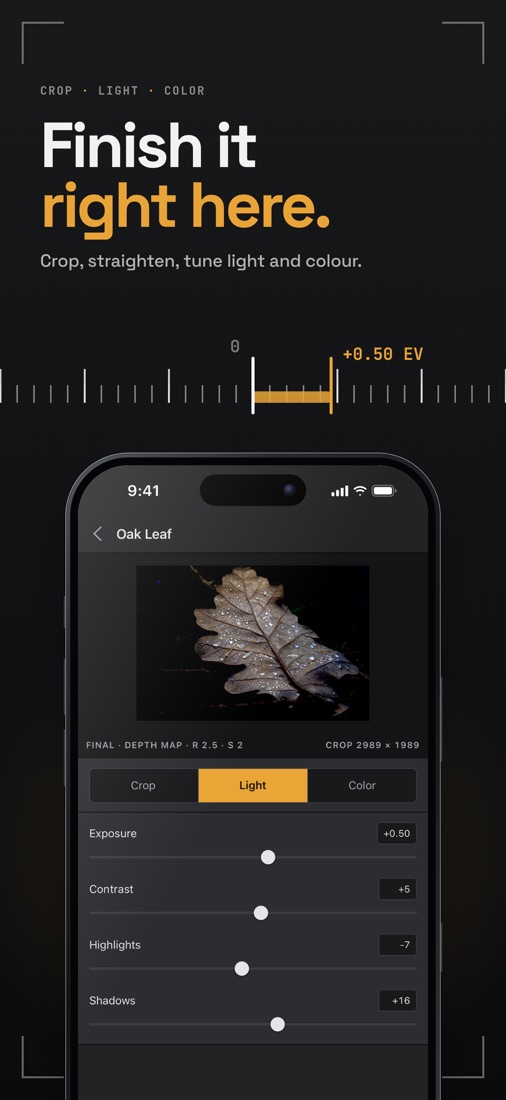
Finish
Crop and adjust
Aspect presets and straighten. Exposure, contrast, highlights, shadows, temperature and vibrance, all non-destructive.
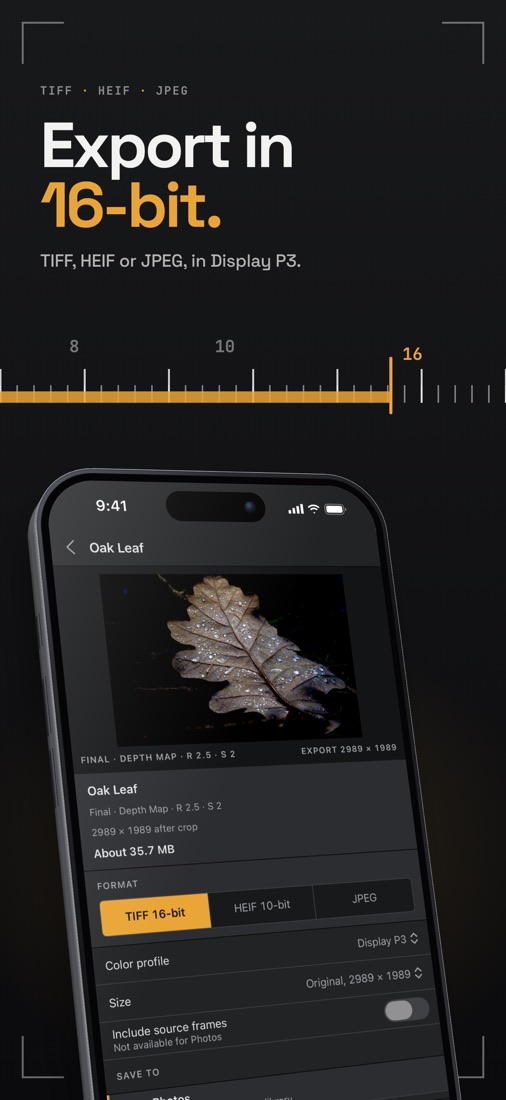
Export
16-bit TIFF, HEIF, JPEG
sRGB or Display P3, to Photos, Files or the share sheet, with the source frames if you need them.
See it
Built like a pro editor.
Docked panels, a full-screen camera and the controls you expect from desktop stacking software, sized for the screen in your hand.
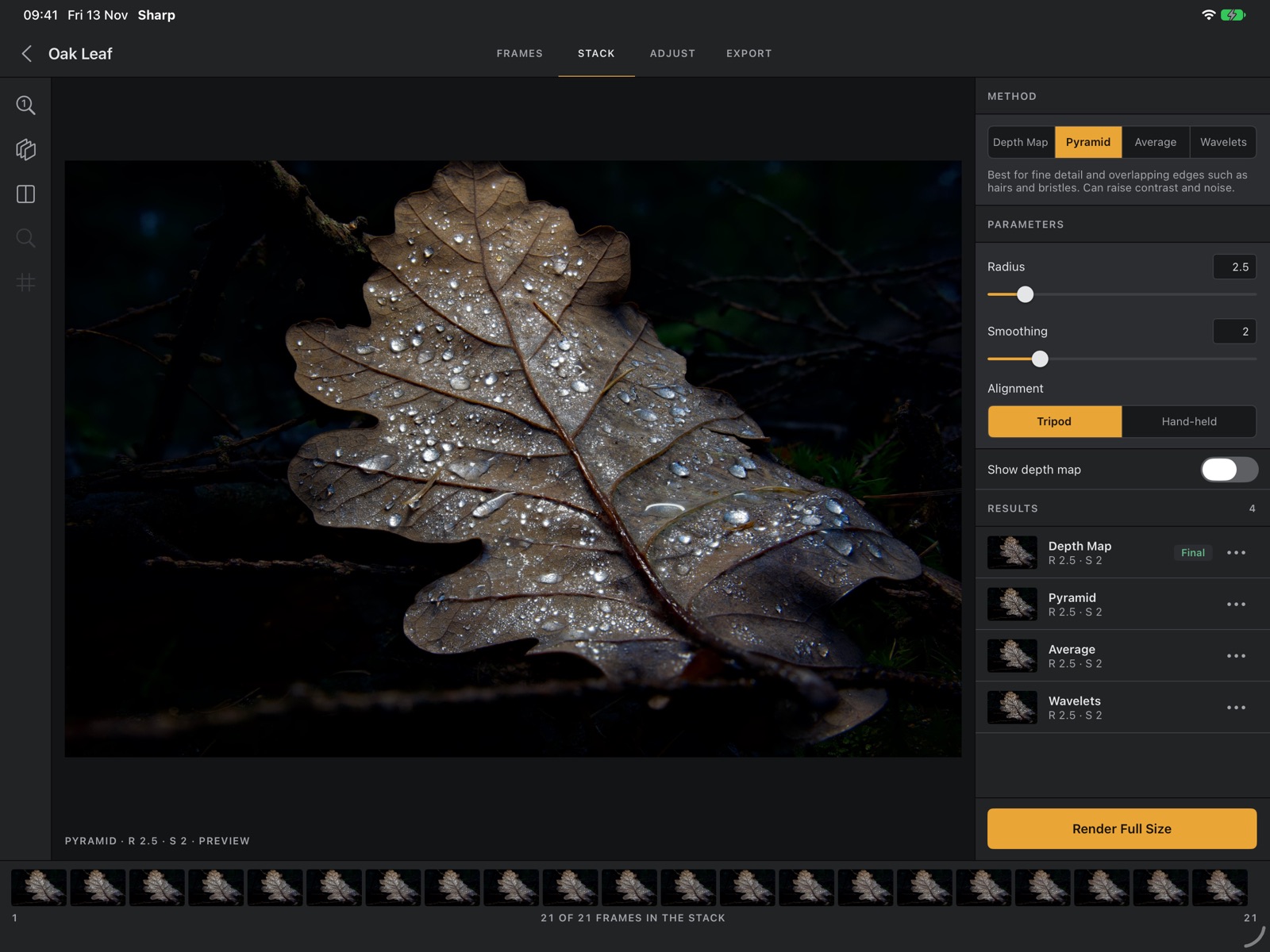
iPad
A stacking desk.
On iPad the photo gets the whole canvas, with frames, methods and parameters docked beside it.
- Frame strip, method and parameters in one view
- Split, side-by-side and flicker compare on a big screen
- Landscape or portrait, light or dark
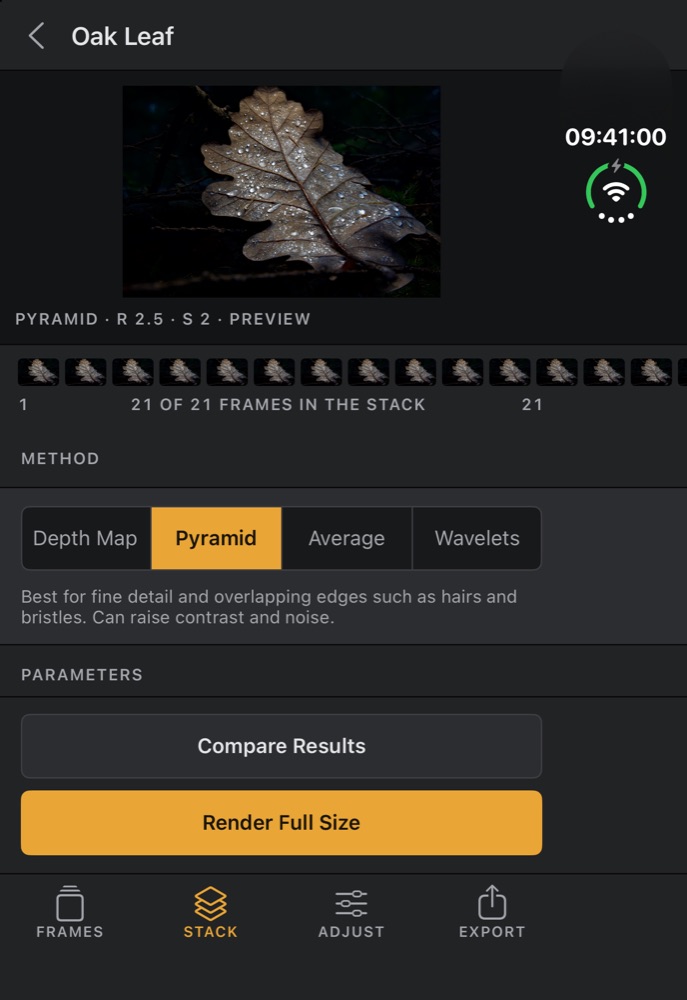
iPhone Duo
Folded, it still stacks.
The outer display gets the full Stack screen. Open the phone and Sharp lays out like it does on iPad.
- Layouts for the outer and inner displays
- Every screen, from Live View to Export
How it works
Shoot, stack, export.
Shoot or import
Get a focus series
Tap Set Near and Set Far and Sharp shoots the frames in between. Or import a bracketed series from your camera.
Stack
Pick a method
Preview every method for free. The depth map shows which frame each detail came from.

Export
Finish and share
Crop, adjust and export a 16-bit TIFF, HEIF or JPEG to Photos or Files.
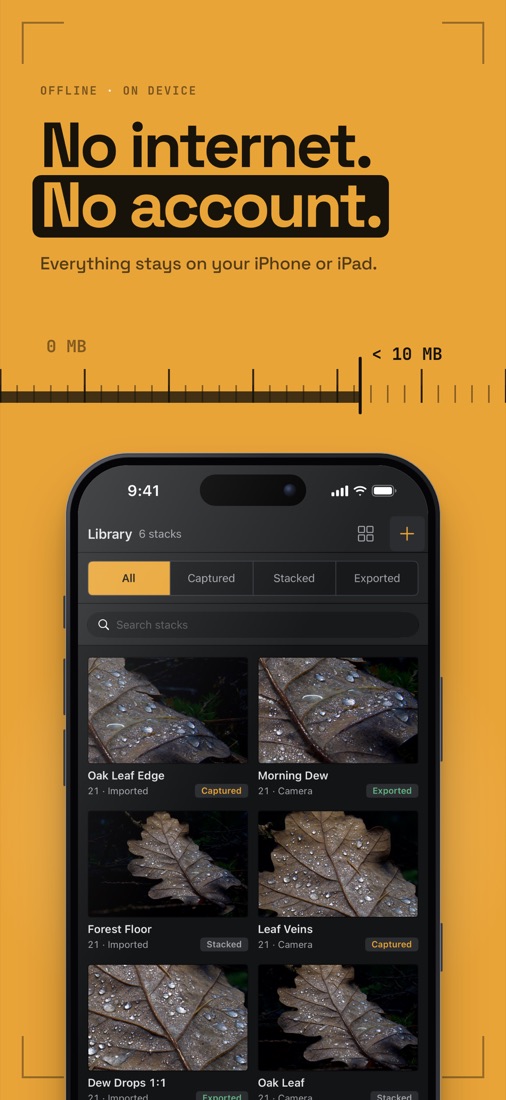
Offline · on device
No internet.
No account.
Sharp has no servers, no analytics and no tracking. Your photos are stacked on your device's graphics chip and never leave it unless you share them. Read the privacy policy.
Pricing
Free to stack. Pro to go big.
Every method can be previewed for free. Sharp Pro unlocks long stacks, RAW and full-resolution export.
Free
$0
- Shoot, import and preview every method
- Render up to 15 frames with Pyramid or Average
- Export JPEG in sRGB up to 4096 px
- Peaking, loupe, compare and adjust
Sharp Pro
$19.99 a year
or $3.99 a month
- Unlimited frames per stack
- Depth Map and Wavelets
- RAW and Apple ProRAW stacks
- Full-resolution 16-bit TIFF, 10-bit HEIF, Display P3
Lifetime
$49.99 once
- Everything in Sharp Pro, yours to keep
- One payment, no renewal
- Shared with your Family Sharing group
Prices are in US dollars; the App Store shows yours in your currency. Subscriptions renew automatically unless cancelled at least 24 hours before the end of the current period. Manage them in your Apple Account settings. Terms of Use.
Questions
Good to know.
What is focus stacking?
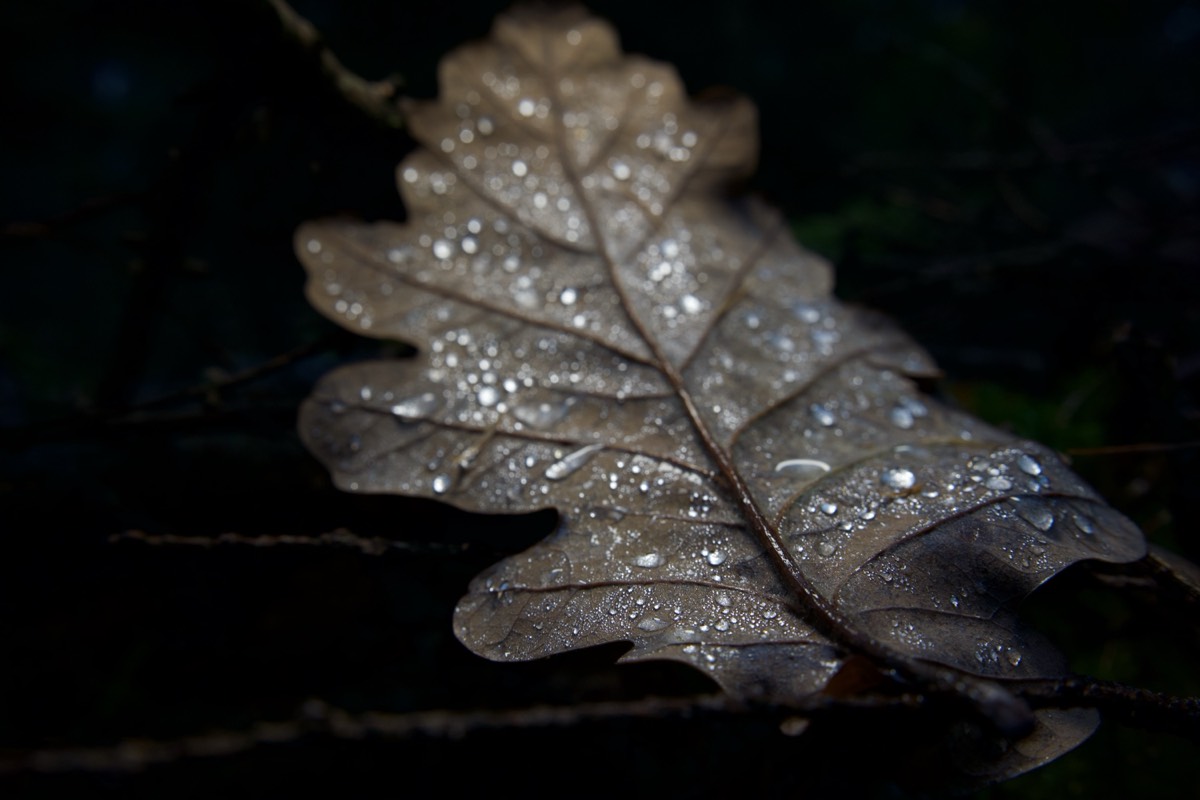
Up close, only a thin slice of the subject is in focus. Focus stacking takes several photos of the same scene, each focused at a different distance, and merges their sharp parts into one photo that is sharp from front to back.
Which devices are supported?
iPhone and iPad with iOS / iPadOS 17.6 or later and an A13 Bionic chip or newer (iPhone 11 and later). Large high-megapixel RAW stacks work best with 8 GB of memory or more: iPhone 15 Pro and later, iPad with M1 or later.
How many frames do I need?
A flower or a coin may need 5–15 frames; insects, jewelry and minerals often need 20–60 or more. In Capture, Auto suggests a count, and the Coverage Check after shooting flags gaps and blurry frames.
Which method should I use?
- Pyramid: fine detail and overlapping edges such as hairs and bristles.
- Average: the cleanest result with the least noise, softer at edges.
- Depth Map: smooth surfaces and clean edges. Sharp Pro.
- Wavelets: like Pyramid, steadier where frames differ slightly. Sharp Pro.
Can I use photos from my camera?
Yes. Import a focus-bracketed series from Photos or Files: JPEG, HEIF, PNG, TIFF or camera RAW. Sharp splits a shoot into separate series automatically.
I went over a free limit. Can I still get a photo?
Yes. The Sharp Pro screen offers a second button, such as Render 15 frames, Render with Pyramid or Export JPEG, that finishes the job within the free limits.
How do I restore my purchase on a new device?
Sign in with the same Apple Account, open Library → Get Sharp Pro and tap Restore Purchases.
Where are my projects stored?
Only inside the app on your device. They are not included in iCloud or device backups, and deleting the app deletes them. Export the results you want to keep.
Something else? Write to vlad182ava@gmail.com with your device model, iOS version and what you were doing.

Get closer.
Stay sharp.
Free on iPhone and iPad. Sharp Pro starts with 7 days free.
Download on the App Store